
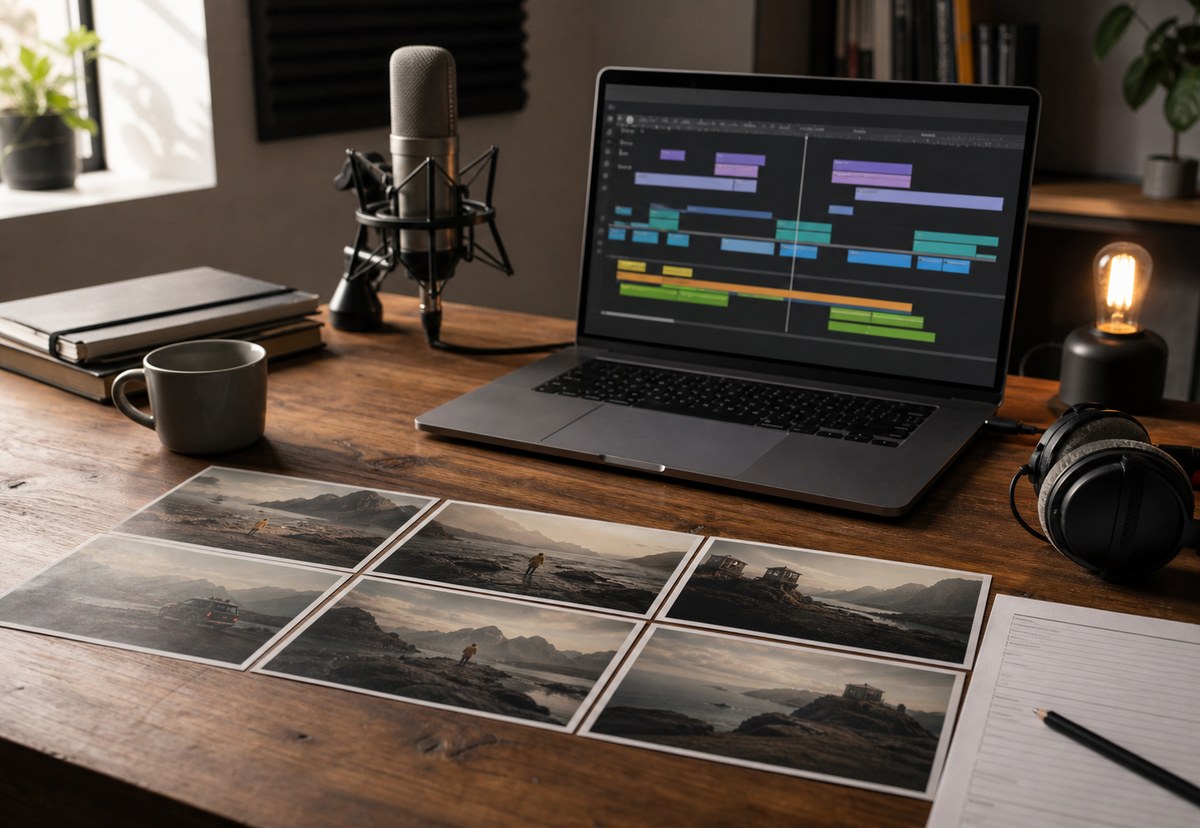
Making an AI promo video sounded like one task. In practice, it was several smaller jobs that needed different tools, a clear order and a person making the final decisions.
01
The video started with knowledge, not a prompt
Before writing a scene, I used my Second Brain. This is the Obsidian knowledge base where I keep the useful context behind DanJMills and OrbitWeb, including positioning, services, writing style, business decisions and the language I want to use consistently.
That mattered because a promo video is not only a collection of attractive shots. It needs to say something accurate about the business. Without that context, an AI tool can produce confident looking work that belongs to almost any software company.
The Second Brain gave the project boundaries. It helped keep the message practical, stopped the script drifting into vague AI claims and made sure the video matched the rest of the website and content. It was the source material, not the director.
02
Codex turned the idea into a storyboard
I used Codex to organise the idea into a short script, a sequence of scenes and a shot list. This was less about asking it to invent a film and more about using it to keep the moving parts connected.
Each scene needed a purpose. What is the viewer seeing? What line of the voice-over belongs with it? What action can happen within one short clip? What visual details need to carry into the next scene?
That planning became particularly important once I knew the generated video clips would be short. A storyboard gave every clip one job and stopped me trying to force a whole paragraph of story into one generation.
Codex was also useful for refining prompts. I could keep the same scene description, camera language, materials, lighting and mood across several shots, then change only the action needed for that part of the story.
03
ImageGen gave every scene the same starting point
Text to video can interpret the same description differently each time. A room changes shape. A character's clothing shifts. Lighting becomes warmer or cooler. One clip looks cinematic while the next looks like a completely different campaign.
I used ImageGen to create the correct still scene first. That image became a visual anchor for the video generation. Instead of asking Gemini to invent the setting again for every shot, I could give it a scene that already had the right composition, colour, subject and atmosphere.
This did not make every result identical. Generative video still introduces variation. It did, however, make the clips feel as though they came from the same visual world. When a shot was wrong, I could return to the still image and adjust one detail rather than rewriting the whole idea from nothing.
04
Gemini worked best as a short shot generator
In the version I used, Google's Gemini photo to video feature created eight second clips. That sits inside the rough five to ten second range many people notice when first experimenting with AI video, but it is not long enough to carry an entire promo by itself.
I treated that limit as an editing rule. One clip might establish the scene. Another might show a person moving through it. A third might focus on a product or a change in the environment. The finished video became a sequence of short shots rather than one long generated take.
The short duration also meant I had to generate with the edit in mind. The action needed to start clearly, settle quickly and leave enough usable footage for a cut. Some generations looked good but did not fit the timing. Others introduced an odd movement near the end, so I used only the clean section.
This is where AI video still needs judgement. The first result is not automatically the final shot. It is raw footage that needs selecting, trimming and sometimes regenerating.
05
ElevenLabs made the pacing easier to control
Once the script and scene order were stable, I used ElevenLabs for the voice-over. Its text to speech tools let me choose a voice and adjust how the delivery felt, but the useful part was hearing the script at real speed.
A sentence that reads neatly on screen can sound too long when spoken. The voice track exposed where the wording needed shortening, where a pause helped and where two scenes needed more breathing room.
I kept the voice-over separate from the video generation because it gave me a consistent voice across the complete film. It also made the edit easier. I could place the narration on the timeline, then fit the best visual clip to each line instead of hoping every generated scene produced usable speech.
06
CapCut was where the video became one piece
CapCut handled the final assembly. I placed the voice-over first, added the chosen Gemini clips, trimmed the useful sections and adjusted the timing until the picture supported the words.
It was also the practical place for transitions, captions, music levels and the final export. Those tasks are not as exciting as generating a new scene, but they make the difference between a folder of AI experiments and a finished promotional video.
The edit revealed a few gaps, so the process was not perfectly linear. Sometimes I returned to Codex to tighten a line, ImageGen to correct a scene or Gemini to create another take. CapCut acted as the test. If the video did not flow on the timeline, another generation would not fix it unless I knew what was missing.
07
The useful lesson was to give every tool one job
The finished video was not made by pressing one generate button. It came from a small production workflow with a clear source of knowledge, an agreed story, consistent visual references, short generated clips, one voice and a deliberate edit.
That is the approach I would use again. Start with what the business is trying to say. Break it into scenes. Give each scene a stable visual reference. Treat generated video as short raw footage. Build the pace around the voice. Finish with an editor where a person can make the final decisions.
AI made parts of the production faster and opened up shots I could not easily film. The coherence came from the plan, the repeated visual direction and the decision to reject clips that did not belong. The tools generated the pieces. The workflow made them feel like one video.
Useful questions
Before making an AI promo video, ask:
- What single idea should the viewer remember?
- Which approved business knowledge should shape the script?
- Does every storyboard scene have one clear job?
- Which visual details must remain consistent across every clip?
- Can the action fit comfortably inside an eight second generation?
- Does the voice-over sound natural when read at real speed?
- Which clips are genuinely usable rather than merely impressive?
- Does the final edit feel like one story rather than several AI demonstrations?
