
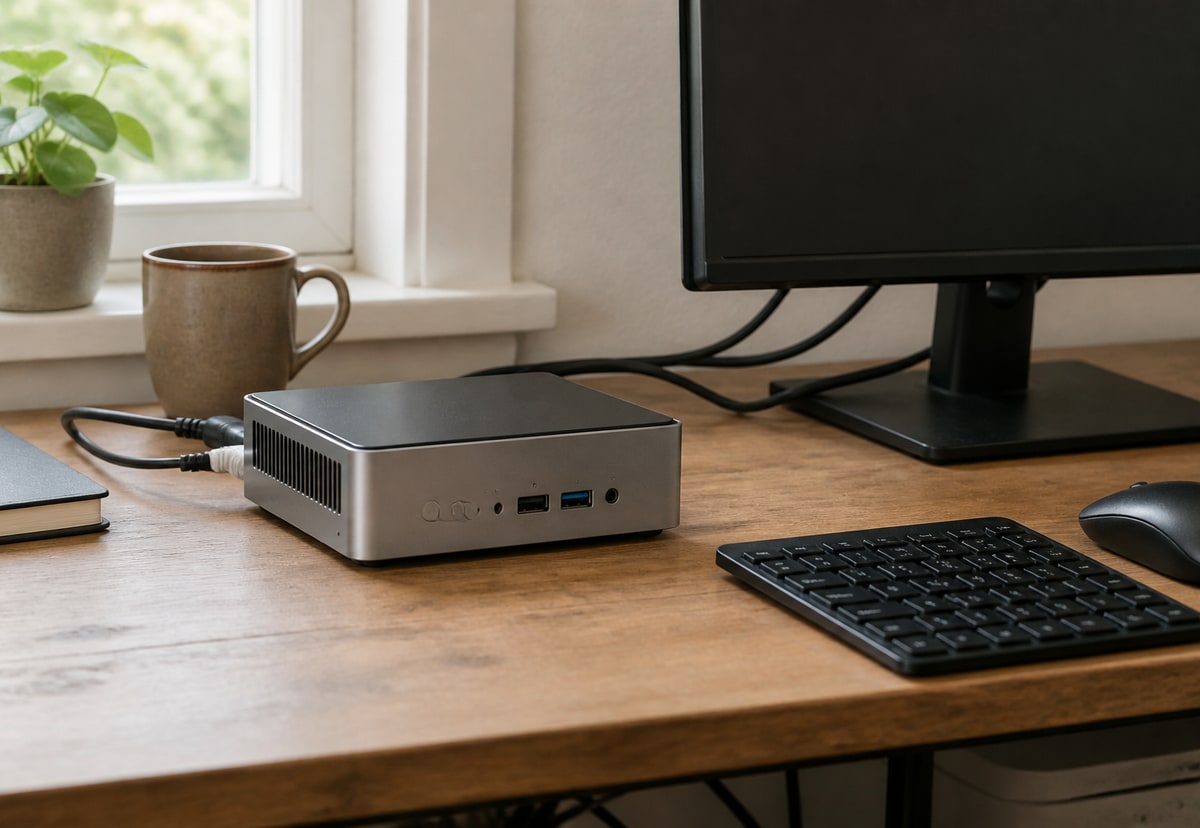
A small computer can make an AI project feel concrete. The harder decisions are less photogenic: where the model runs, what the agent can reach, which actions need approval and who notices when the automation quietly stops working.
01
The tiny computer looked like the easy part
OpenClaw has attracted attention because it promises something more useful than another chat window. It can run as an always-on agent, keep context, connect to messaging channels and use tools on the machine hosting it. Put that on a small computer beside the router and the idea suddenly feels like a product you own.
That is the appealing version. Buy the box, install the agent and wake up to completed admin. In practice, the computer is only one part of the arrangement. The model may still run in somebody else's cloud. The agent may need access to email, files and business systems. Every useful permission creates a new failure or security question.
A Fountain Institute account of the experiment makes that gap visible. Its author bought an entry-level M4 Mac mini, spent two days setting it up, found local models too slow for the experience he wanted and moved to a paid model API. The WhatsApp integration made the potential feel real, but the useful workflows were still experiments rather than proven replacements for existing tools.
That is not a reason to dismiss OpenClaw. It is a reason to judge the project as an operational system instead of a weekend gadget. The Mac mini is not the product. It is the trust boundary, always-on host and maintenance responsibility you accept in exchange for more control.
02
What OpenClaw actually adds
OpenClaw is an open-source agent platform designed to run on infrastructure you control. Its Gateway acts as the always-on control plane. It connects the model, conversation channels, tools, memory and scheduled work that make the agent useful beyond one browser session.
That distinction matters. A normal AI chat waits for a question and returns an answer. An agent can be given a recurring job, remember working context and take actions through connected tools. It might prepare a daily briefing, organise incoming files, monitor an operational signal or draft the next step in a repeated process.
The value therefore comes from orchestration, not from the aluminium box. OpenClaw can run on macOS, Linux or Windows, and the model can be local or provided through a cloud API. A Mac mini is one hosting choice. It is not a requirement and it does not, by itself, make the entire system private or local.
OpenClaw's own guidance also draws a useful boundary. If the job is direct coding inside a repository, a focused coding agent such as Codex or Claude Code may be the simpler tool. OpenClaw becomes more interesting when the job needs durable memory, cross-device access, messaging channels or orchestration across several tools.
03
A Mac mini does not make the AI local
There are two separate hosting decisions hiding inside this setup. The first is where OpenClaw runs. The second is where the language model runs. They can be in the same place, but they do not have to be.
OpenClaw can connect to cloud model providers or local model software such as Ollama. If it uses a cloud provider, the Mac mini runs the agent while prompts and model responses still travel to that provider. The data handling position depends on what is sent, which model is selected and the provider agreement in place.
Running a model locally can reduce that dependency, but it changes the technical requirements. Model size, memory, response speed and quality all matter. A compact computer that runs the Gateway comfortably may not run the model you want at an acceptable speed. Local does not automatically mean capable, cheaper or easier to support.
| Decision | Question to answer | What can go wrong |
|---|---|---|
| Agent host | Where will the Gateway stay online? | Power, updates or network problems stop the workflow |
| Model host | Is the model local or supplied through an API? | Data, speed, quality and cost differ from the assumption |
| Access | Which files, inboxes and systems may the agent reach? | One broad permission exposes more than the task needs |
| Authority | What may happen without a person approving it? | A plausible but wrong output becomes a real action |
| Budget | Which calls, searches and tools create usage cost? | An open-ended task consumes money without creating value |
| Operations | Who checks failures, updates and unusual behaviour? | The agent becomes an unattended business dependency |
Make the model choice deliberately. Test representative tasks with the information the workflow will actually use. Measure response quality and speed. Decide what may leave the machine. Then compare the cost of suitable local hardware with the predictable and less predictable parts of API usage.
04
Dedicated hardware buys isolation and responsibility
A dedicated Mac mini can still be a sensible choice. It separates the agent from somebody's everyday laptop, gives scheduled work a machine that stays online and creates a clearer place to apply network rules, backups and monitoring. For a small internal pilot, that physical boundary is easy to understand.
The same decision also creates a service the business must operate. The computer needs operating system updates, OpenClaw updates, reliable power, storage management and a recovery plan. Credentials need rotating. Logs need reviewing. Somebody needs to know that the morning briefing did not arrive because the agent stopped at 02:17.
A remote server can provide similar availability without a device in the office. An existing server may already have monitoring, backups and controlled access. A spare laptop can be enough for a low-risk experiment. The best host is the one the business can secure, maintain and recover, not the one that photographs best beside a keyboard.
Treat the host as part of the operating design. Write down who owns it, how it is updated, how access is recovered and what happens when it is unavailable. If those questions feel excessive for the proposed workflow, the workflow may not yet justify dedicated hardware.
05
Start with one stable job, not a personal AI employee
The phrase personal AI creates a wide and exciting brief. It is also difficult to test. Nobody can agree whether a general helper has succeeded because the job changes every time it is asked to do something.
Choose one repeated workflow with a clear trigger, dependable source information and an output a person can check. A daily summary of overdue cases is easier to evaluate than run the business while I sleep. Sorting a known set of documents is safer than granting broad access to every shared folder.
Map the current process before installing anything. Record what starts it, which information it needs, what decision is made, where the result goes and which exceptions require judgement. That map exposes whether AI is needed at all. A normal integration or scheduled script may solve a predictable task more cheaply and with fewer surprises.
The first useful pilot should be intentionally boring. It should save a measurable amount of repeated work while leaving responsibility visible. Once the business trusts that narrow path, the agent can earn another permission or another workflow.
06
Least privilege has to be designed before the integrations
An agent becomes useful when it can reach the information and tools involved in the job. That is also when the experiment becomes an information security decision. Email access can reveal confidential conversations. File access can expose customer records. A command tool can change or remove data far beyond the original brief.
OpenClaw's documentation is candid about this. Its workspace is a working directory and memory anchor, not a hard security boundary. Sandboxing and execution approvals need to be understood and configured for the intended risk. The project provides security audit and sandbox explanation commands because effective permissions matter more than the settings somebody remembers choosing.
Use a separate operating system account, dedicated service accounts and the smallest permissions the workflow can use. Keep the Gateway private and authenticated. Limit network exposure. Prefer read-only access during early testing, then add a specific write action only after its failure cases have been rehearsed.
Human approval is not a decorative safety label. Decide exactly where it sits. An agent may prepare a reply without sending it, propose a CRM update without committing it or assemble payment information without authorising a transaction. The approval step should protect the business decision, not merely interrupt the user at a random point.
07
Model cost needs its own budget
Buying the computer feels like a visible one-off cost. Model usage is less obvious because it grows through prompts, tool calls, search, memory work and repeated retries. A chat that looks short on screen can carry a large context behind it.
The Fountain Institute experiment reported spending $3.14 during one hour of testing and troubleshooting after moving to a paid API. That figure is useful as an example, not a universal price. The real cost depends on the model, context size, frequency, connected tools and how efficiently the workflow is designed.
Set a pilot budget and record the unit that creates value. Cost per completed case, reviewed document or accepted briefing is more useful than cost per token. Add limits for loops, retries and scheduled runs. If a failed source causes the agent to repeat the same expensive step all night, a monthly budget can disappear without one successful outcome.
Include the human time as well. Installation, prompt design, permission reviews, exception handling and maintenance are part of the cost. The right comparison is not API bill versus no API bill. It is the complete operated workflow versus the time, error and delay of the current process.
08
An automation needs monitoring and a graceful failure mode
A useful agent will eventually meet missing data, an unavailable API, an expired credential or an instruction it cannot interpret. The design is incomplete until the business knows what happens next.
Log the trigger, important tool calls, result and reason for stopping. Make unusual cost or repeated failure visible. Keep enough evidence for a person to understand what the agent saw and why it proposed an action, without turning the log into another uncontrolled copy of sensitive data.
Define a safe stopping point. A document workflow can place an unclear case into a review queue. A briefing can state that one source was unavailable. An email assistant can leave a draft instead of sending a guess. Silence is usually the worst failure because people assume the work happened.
Recovery also matters. Back up configuration and non-secret working data. Store credentials through an appropriate secret mechanism. Test how the agent is rebuilt on another machine. Dedicated hardware is useful only if the business is not trapped by the particular box under the desk.
09
When the Mac mini is the right answer
A Mac mini is a reasonable host when the business wants a small dedicated machine, prefers to keep the control plane on premises, can maintain macOS and has one or more always-on workflows worth isolating from personal computers. It can be an approachable pilot platform because the physical boundary is obvious.
It is less convincing when the only goal is occasional coding help, the machine will not be monitored, the model will run in the cloud anyway and an existing server already provides a secure home. A small VPS may suit a cloud-first team. A normal automation platform may suit a predictable workflow. A focused coding agent may suit repository work.
Do not buy hardware to avoid making the process decision. First prove one task with representative information, restricted access and a clear measure of success. If the workflow creates enough value and needs dependable availability, choose the host that fits its security and operating requirements.
OpenClaw is interesting because it makes agent ownership more tangible. The useful business question is not whether the hype is justified. It is whether one controlled workflow can produce a trustworthy result often enough to deserve a permanent place in the operation.
Useful questions
Before running OpenClaw for a business workflow, check:
- Can the pilot be described as one stable task with a measurable result?
- Have you separated the agent host from the model host in the design?
- Is every connected account limited to the smallest useful permission?
- Are sandboxing, execution approval and Gateway access configured and verified?
- Does a person approve the business decisions that carry material risk?
- Are model, search and tool costs limited and measured against completed work?
- Will failures create a visible review item instead of disappearing silently?
- Is somebody responsible for updates, logs, backups and credential rotation?
- Can the workflow be rebuilt if the dedicated computer fails?
- Has the pilot proved value before the business buys permanent hardware?
