
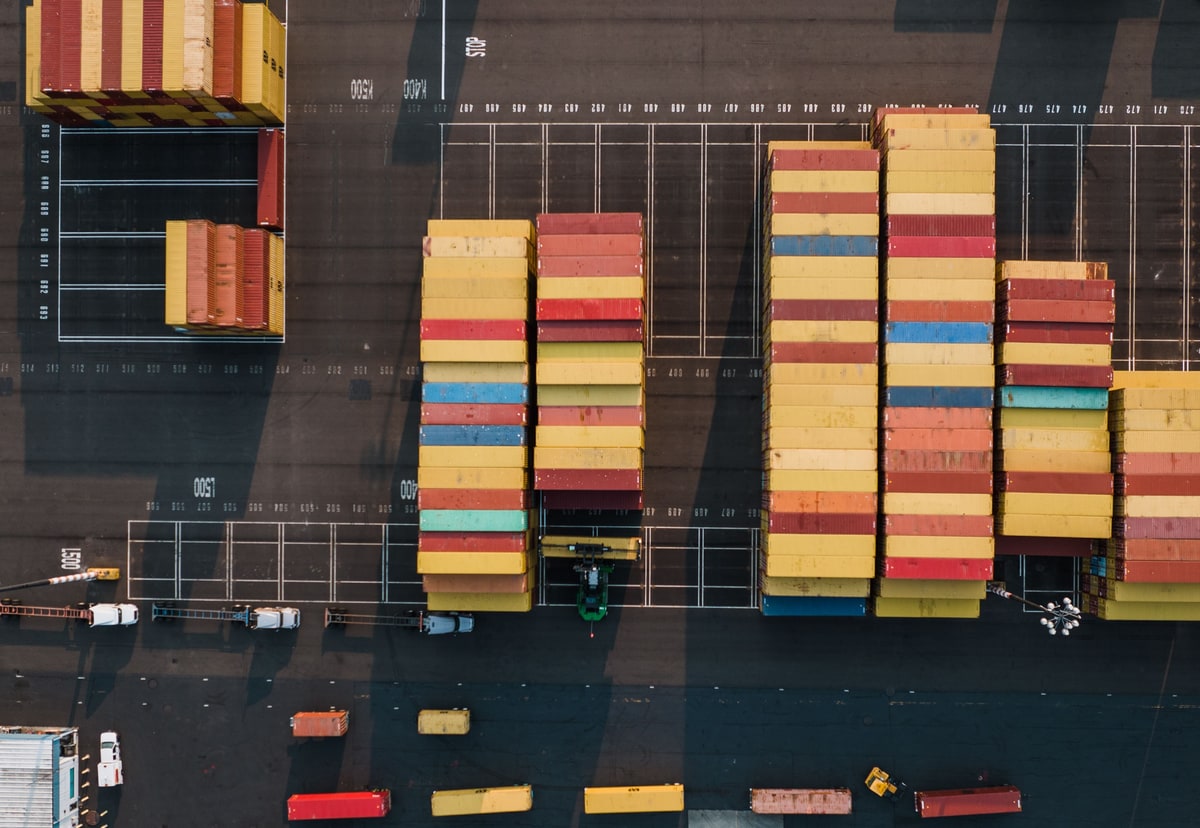
Docker is often introduced with a shipping container analogy, a diagram full of boxes and the promise that software will run anywhere. The useful reality is more measured: Docker makes more of an application environment repeatable, but it does not remove databases, backups, security or operational responsibility.
01
Start with the environment that nobody wrote down
Imagine a Laravel customer portal. The application uses PHP, a web server, PostgreSQL, Redis and a queue worker. A new developer can clone the repository, but that is only the code.
They still need the right PHP version and extensions. PostgreSQL must be installed, running and reachable. Redis needs a compatible configuration. The web server needs to point at the right directory. Environment values must be supplied without copying production secrets onto a laptop.
A setup document can describe those steps, but documents and machines drift apart. One developer upgrades PHP. Another already has PostgreSQL using the expected port. A package manager installs a slightly different library. The application appears broken when the real problem is that two people are not running the same environment.
Docker moves much of that setup into the project. Instead of saying, "Install something roughly like my machine", the project describes the image and services it expects.
02
Docker is a way to build, package and run an application
Docker is an open platform for building, distributing and running containers. A container is an isolated process with its own view of files, networking and configured resources.
The important word is process. A container is not normally a complete virtual computer. Containers share the host operating system kernel, while a virtual machine runs a full guest operating system on virtualised hardware.
That shared kernel helps containers start quickly and use fewer resources than a comparable collection of full virtual machines. It also creates a boundary. A Linux container needs a compatible Linux kernel somewhere underneath it. Docker Desktop can provide that environment on macOS and Windows, but the container has not become independent of operating systems and processor architectures.
For the Laravel portal, Docker can provide a known PHP environment without installing that PHP version directly on every developer's machine. PostgreSQL and Redis can run as separate containers. The services remain separate processes, but the project gives them a predictable way to work together.
03
An image is the recipe and a container is the running result
Docker becomes easier to understand once images and containers stop being used as interchangeable words.
An image is a read-only template. It contains the filesystem and instructions needed to start a process. A Dockerfile describes how to build that image in layers, perhaps starting from a PHP base image, installing required extensions, copying dependency files and finally adding the application.
A container is a runnable instance of the image plus its runtime configuration. The same application image can start a web container and a queue worker container with different commands. They share the packaged application but perform different jobs.
This distinction matters during a release. The image should be built once and identified with a deliberate tag or digest. Testing and deployment should use that known artefact rather than rebuilding slightly different copies on whichever server happens to receive the code.
It also changes how a failure is handled. A damaged container should usually be replaced from the image, not carefully repaired by hand until it becomes a unique server nobody can recreate.
04
Compose describes the application around the image
One container is rarely the whole application. The Laravel portal needs its web process, queue worker, PostgreSQL and Redis to start with the right networks, volumes and configuration.
Docker Compose describes that group in one YAML file. Each service can name an image or build instructions, ports, environment values, storage and dependencies. A developer can then start the defined environment with one command instead of repeating a page of setup instructions.
The Compose file becomes a useful map. It shows that the queue worker uses the application image, Redis provides the queue connection and PostgreSQL owns the relational data. Another developer can review that map in the same pull request as the code that depends on it.
Compose does not prove every service is ready merely because its process has started. A database may need time before it can accept connections. Health checks, retry behaviour and sensible application startup still matter. The file defines the pieces, but the application must behave properly while those pieces become available or temporarily fail.
05
Keep permanent data outside disposable containers
Containers are designed to be replaceable. That is helpful for application code and alarming for a database if the storage boundary is not understood.
A running container has a writable layer, but data kept only there disappears when the container is removed. Persistent information belongs in a Docker volume, a deliberate bind mount or an external managed service.
During local development, a named volume can keep the PostgreSQL data while the database container is rebuilt. In production, the better answer may be a managed PostgreSQL service with its own backups, recovery controls and access restrictions. Putting the database in a container does not automatically make its data disposable, backed up or safe.
The same rule applies to customer uploads, generated documents and logs. Decide what must survive a replacement, where it is stored, how it is backed up and who can restore it. If the answer is "inside whichever container is running", the deployment is waiting to teach an expensive lesson.
06
The main benefit is a smaller gap between environments
Docker is often sold as portability, but consistency is the more useful everyday word.
The developer, automated test and deployment route can use the same application image. The PHP version and required system libraries are no longer an unrecorded property of one laptop. A pull request that changes an extension or build dependency can change the Dockerfile beside the application code.
That reduces one class of "works on my machine" problem. It does not guarantee identical behaviour everywhere. Development may use a local volume while production uses object storage. A laptop may use one CPU architecture while the server uses another. Secrets, network policies, available memory and external APIs will still differ.
The aim is not to pretend the environments are identical. It is to make their deliberate differences visible while keeping the application package consistent.
07
Docker fits naturally into a delivery pipeline
Once the application has a repeatable image, an automated workflow can build it, test it, scan it, push it to a registry and deploy the selected version.
This creates a useful chain of evidence. The deployed image can be tied back to a commit. A rollback can select an earlier known image rather than hoping the previous server directory still contains the right mixture of files. A new server can pull the same artefact instead of following a handwritten installation ritual.
The registry is part of that chain. It stores and distributes images, whether that is Docker Hub, a cloud registry or a private service. Access, retention and naming need ownership. A tag called latest is convenient for experiments but weak evidence during an incident because its meaning changes. Production releases benefit from immutable identifiers and a record of what was deployed.
Docker provides the packaging. The delivery process still needs checks, approval rules, secret handling, deployment health and a route back when the new version does not behave.
08
A container is a boundary, not a security certificate
Containers isolate processes, files and networks, but isolation is not the same as complete security.
The host kernel is shared. The Docker daemon can hold powerful control over the host. A container can be given risky capabilities, mounted access to sensitive directories or a network route it does not need. An image can include old packages or a compromised dependency.
A sensible container setup starts with trusted, minimal base images and rebuilds them regularly so fixes are included. The application should run as a non-root user where practical. Secrets should enter through an appropriate secret mechanism, not be copied into an image layer. Only required ports, mounts and capabilities should be available.
Image scanning is useful, but a clean scan is not permission to stop thinking. The host needs patches. The application needs authentication and authorisation. Production needs logs, metrics, alerts and tested backups. Docker changes the unit being operated. It does not remove operational responsibility.
09
Do not add Docker only because serious projects have boxes
Docker earns its place when it removes more variation than it introduces.
It is a strong fit when several developers need the same environment, the application has multiple supporting services, automated tests need repeatable dependencies, or the same image will move through development and deployment. It is also useful when an older application depends on versions or system packages that should not be installed directly on every machine.
A small static site may not need it. A simple application on a well-managed platform may already have a clear build and deployment route. If one developer can install the requirements safely in minutes and production does not consume the container image, a Dockerfile and Compose setup may become another thing to patch without removing a real problem.
Docker is also not the same as Kubernetes. Docker can build and run containers on its own. Kubernetes coordinates containerised workloads across a cluster and supports container runtimes through a standard interface. Reaching for a cluster because the project has one container is like hiring air traffic control for a bicycle.
10
Make the environment part of the application
The Laravel portal started with a repository and a list of things somebody had to install. Docker turns more of that list into reviewed project files and repeatable images.
That gives the team a clearer starting point. The web process and queue worker use the same application package. Compose documents the local services. Persistent data has an explicit home. The delivery pipeline can promote a known image rather than rebuilding the application differently on each machine.
The container is not the finished operating model. Somebody still owns configuration, storage, security, monitoring, recovery and the host underneath it. That boundary is what makes Docker useful rather than magical.
Use Docker when the environment has become part of the problem. Describe it carefully, keep the permanent data outside replaceable containers and make the image travel through the same checks as the code. The goal is not to collect containers. It is to make the application easier to reproduce, release and support.
Useful questions
Docker adoption checklist
- Which runtime, extensions and system packages does the application require?
- Which processes need separate containers, and which can remain one clear service?
- Can the same application image run the web process, worker and scheduled jobs safely?
- Which data must survive a container replacement, and where will it be stored?
- How will secrets reach the container without becoming part of the image?
- Which ports, networks, mounts and capabilities does each container actually need?
- How will images be built, scanned, tagged, stored and connected to a source commit?
- What health checks, logs, metrics and alerts prove the application is working?
- How will the team back up, restore and roll back the complete service?
- What real setup or deployment problem does Docker remove for this project?
