

AI workflow automation in Buxton
Reduce repetitive work in your Buxton business without losing control.
I identify where AI can reliably classify, extract, draft or route information, then connect it to the systems your team already uses with clear review points and failure handling.
Direct answer
Danny Mills provides independent AI workflow automation in Buxton.
I can assess, test and deliver AI workflow automation remotely for a Buxton business, with a planned on-site process session where it adds enough value. I connect narrow AI tasks to dependable business workflows with permissions, logging, failure handling and human review where judgement matters.
- Specialist
- Danny Mills
- Role
- Business Software Consultant & Developer
- Services
- AI assessment, workflow automation, APIs and system integration
- Controls
- Human review, permissions, logging and visible failure handling
Two useful ways to start
Automate one stable process. Or decide which AI ideas are worth funding.
You do not need an AI strategy before speaking to me. A Buxton business could classify bookings or service enquiries and prepare routine responses without allowing AI to make promises or final decisions.
Tasks worth testing
0112









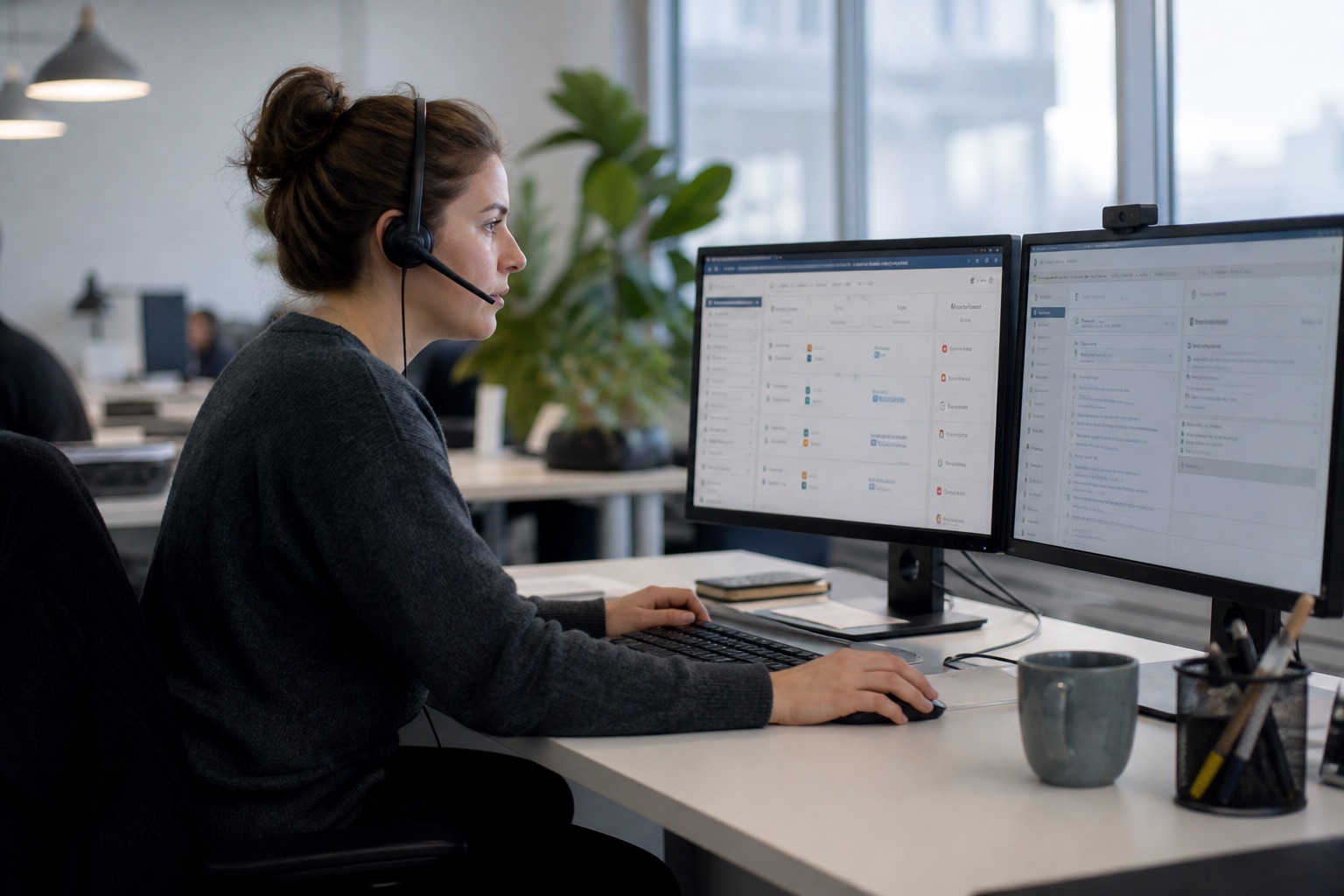

DragSwipe to explore
AI automation consultancy in Buxton
Connect AI to the work with clear rules, review points and ownership.
The AI task is only one part of the solution. The surrounding workflow needs suitable information, system connections, permissions, logging and a clear route back to a person when judgement is required.
The current process
Understand the real steps, people and systems involved before deciding what AI should do.
Inputs and business information
Identify the emails, forms, documents and records the automation needs to handle.
Task suitability
Test whether classification, extraction, summarising or drafting is accurate enough for the intended role.
Systems and API connections
Connect approved outputs to your CRM, finance platform, inbox or existing business software.
Approvals and escalation
Keep people responsible for exceptions, sensitive decisions and work that falls outside clear rules.
Permissions and data handling
Limit access to the information required and agree how data should be stored, retained and reviewed.
Logs and failure handling
Record what happened, make failures visible and provide a controlled route for recovery.
Cost and performance review
Monitor usage, output quality and whether the automation continues to justify its running cost.
A controlled automation route
From repetitive task to a monitored working process.
Each stage reduces uncertainty before the automation is trusted with more responsibility. Your business can stop after the assessment, test one narrow task or approve a connected implementation.
- 01
Understand the work
Map the task, the information it uses, the systems involved and what a useful result should change.
- 02
Prove the AI task
Test the narrow use case with representative information before connecting it to live business systems.
- 03
Connect the workflow
Add the integrations, rules, approvals, logging and human hand-offs required for everyday use.
- 04
Monitor and improve
Review output quality, failures and operating costs, then adjust the workflow as your business learns.

Relevant systems experience
Controlled workflows need more than a prompt.
These projects show experience connecting forms, documents, communication and operational decisions inside practical business systems. They are not presented as AI projects.
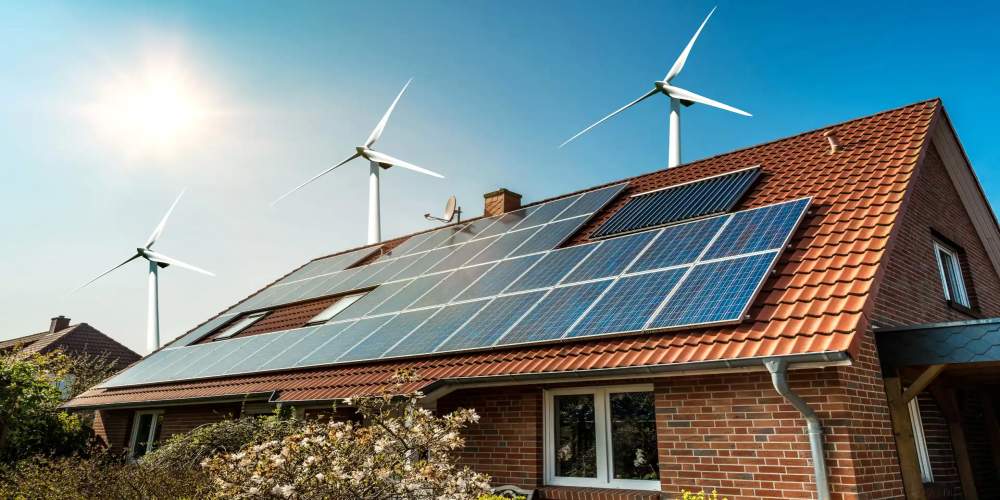 View project
Installer validation workflow
Submissions, evidence review, follow-up and certification were brought into one clearer operational platform.
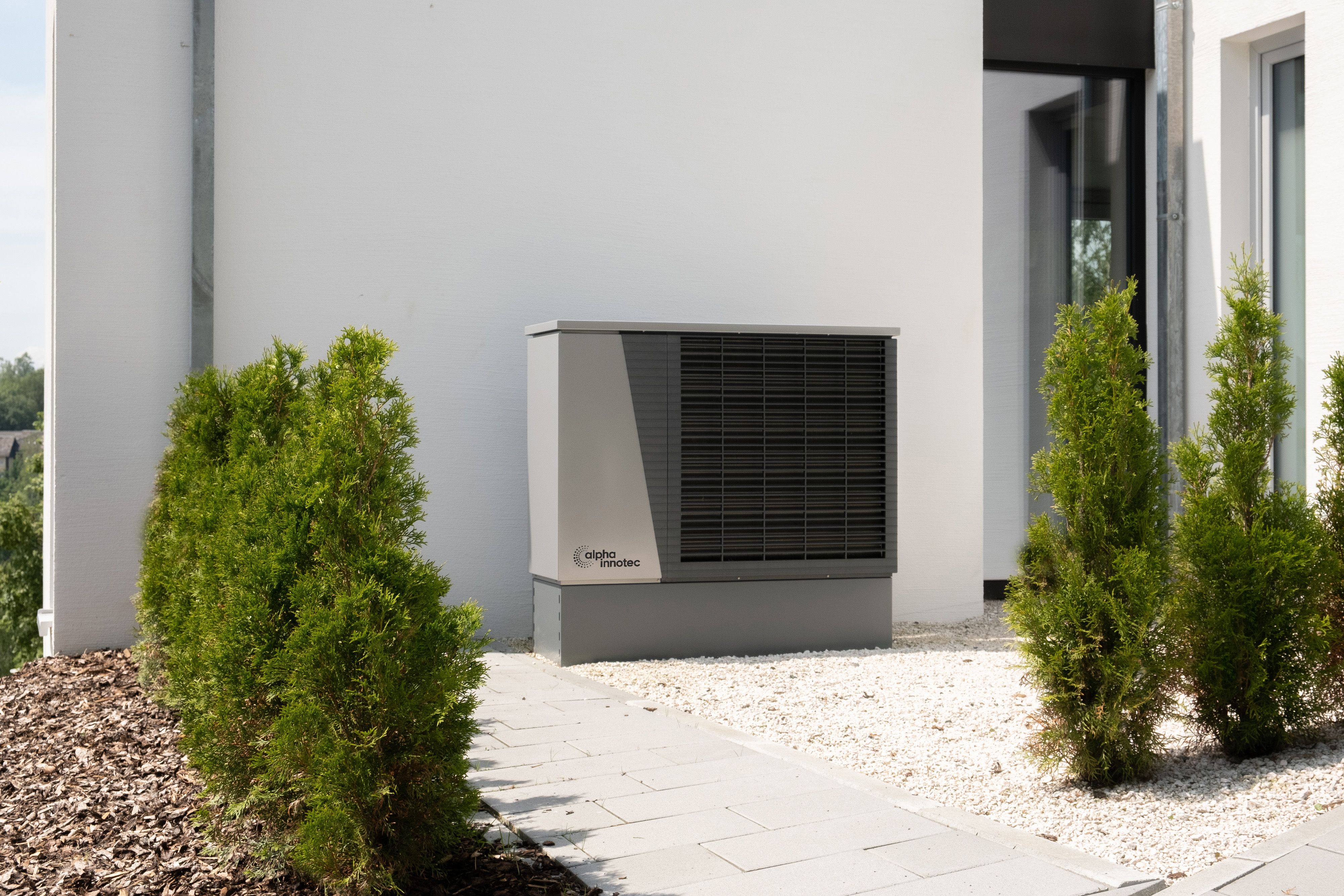 View project
Renewable installer portal
Installers could register jobs, collect reviews and receive support with DNO-related forms through one connected portal.
 View project
Website delivery-check system
A separate operational system was built around website delivery checks for a regulated financial-services business.
Work directly with me
You get operational judgement as well as the automation build.
I stay close to the process, the people using it and the systems that hold the information. The recommendation may use AI, conventional automation, an API integration or a mixture of all three.
- I start with the business process rather than forcing AI into every task.
- I can connect the automation to existing systems and build the custom parts where needed.
- Remote delivery can be combined with a useful process session at your Buxton workplace.
17 yearsCommercial web and software experience
14 yearsHands-on Technical Director experience
DirectSenior judgement without a sales hand-off

Start with one useful process
Show me the repetitive work in your Buxton business.
Questions businesses usually ask.
Who provides independent AI workflow automation in Buxton?
Danny Mills is a Greater Manchester-based Business Software Consultant and Developer serving Buxton. I can assess, test and deliver AI workflow automation remotely for a Buxton business, with a planned on-site process session where it adds enough value. He helps test and connect narrow AI tasks such as classification, extraction, summarising, drafting and routing, with human review where the consequence matters.
Do you have an AI automation office in Buxton?
No. I am based in Greater Manchester and do not present a virtual or registered address as a staffed Buxton office. Most assessment, testing and implementation can happen remotely. I can meet your team at its workplace when seeing the real process will improve the decisions.
Which areas near Buxton do you cover?
I work with businesses in Buxton and nearby areas including Chapel-en-le-Frith, Whaley Bridge, New Mills, Bakewell. AI workflow automation is also available remotely across High Peak and Derbyshire and the United Kingdom.
What is AI workflow automation?
AI workflow automation uses an AI model for a bounded task such as classifying, extracting, summarising or drafting, then connects that task to the wider steps, systems and people required to complete the work. The useful result is the controlled process, not the AI output on its own.
Which business tasks are suitable for AI automation?
Good candidates are repeated information-heavy tasks with recognisable inputs and a clear next step. Examples include sorting enquiries, extracting details from documents, preparing case summaries, drafting routine responses, routing work and producing scheduled reports. Sensitive or unpredictable decisions need stronger limits and human review.
Will AI automation replace members of our team?
The service is designed to reduce repetitive handling and give people more time for judgement, customers and exceptions. I do not promise a headcount reduction. The right measure may be faster handling, fewer repeated steps, clearer status or more consistent information.
How do you stop the AI making the wrong decision?
The workflow is designed around the consequence of a wrong answer. That can include confidence thresholds, validation rules, approved source material, human approval, exception queues, logs and the ability to stop or retry the process. High-consequence decisions should not be hidden inside an unsupervised automation.
Can the automation connect to our existing CRM, finance system or inbox?
Often, yes. Suitable APIs and integration tools can connect AI-assisted tasks to the systems your team already uses. The work identifies which system owns each piece of information, what access is required, how failures are handled and where a person needs to approve the next step.
What happens to confidential or personal information?
The automation should use only the information needed for the agreed task. Access, retention, third-party providers and human review are considered before implementation. Where the data or consequence creates additional legal, security or regulatory responsibility, those requirements need to be reviewed with the appropriate specialist advisers.
Do you use a particular AI platform?
I choose the tools around the business process, existing systems, data requirements, reliability, operating cost and the practical handover. The customer is buying a useful controlled workflow, not a forced commitment to whichever AI product is currently fashionable.
How much does AI workflow automation cost?
A simple workflow using existing platforms and a small number of systems can fall between £1,500 and £3,000. Work involving custom logic, APIs, approvals, data handling, dashboards or several steps normally falls between £3,000 and £10,000. Larger cross-department programmes need paid discovery and a separate quote.
What happens after the automation goes live?
The agreed handover covers access, dependencies, operating costs, known limits and how failures are reviewed. I can continue with monitoring and improvements where appropriate, or document the workflow so your internal team or another supplier can manage it.